
Entry & Exit Pages
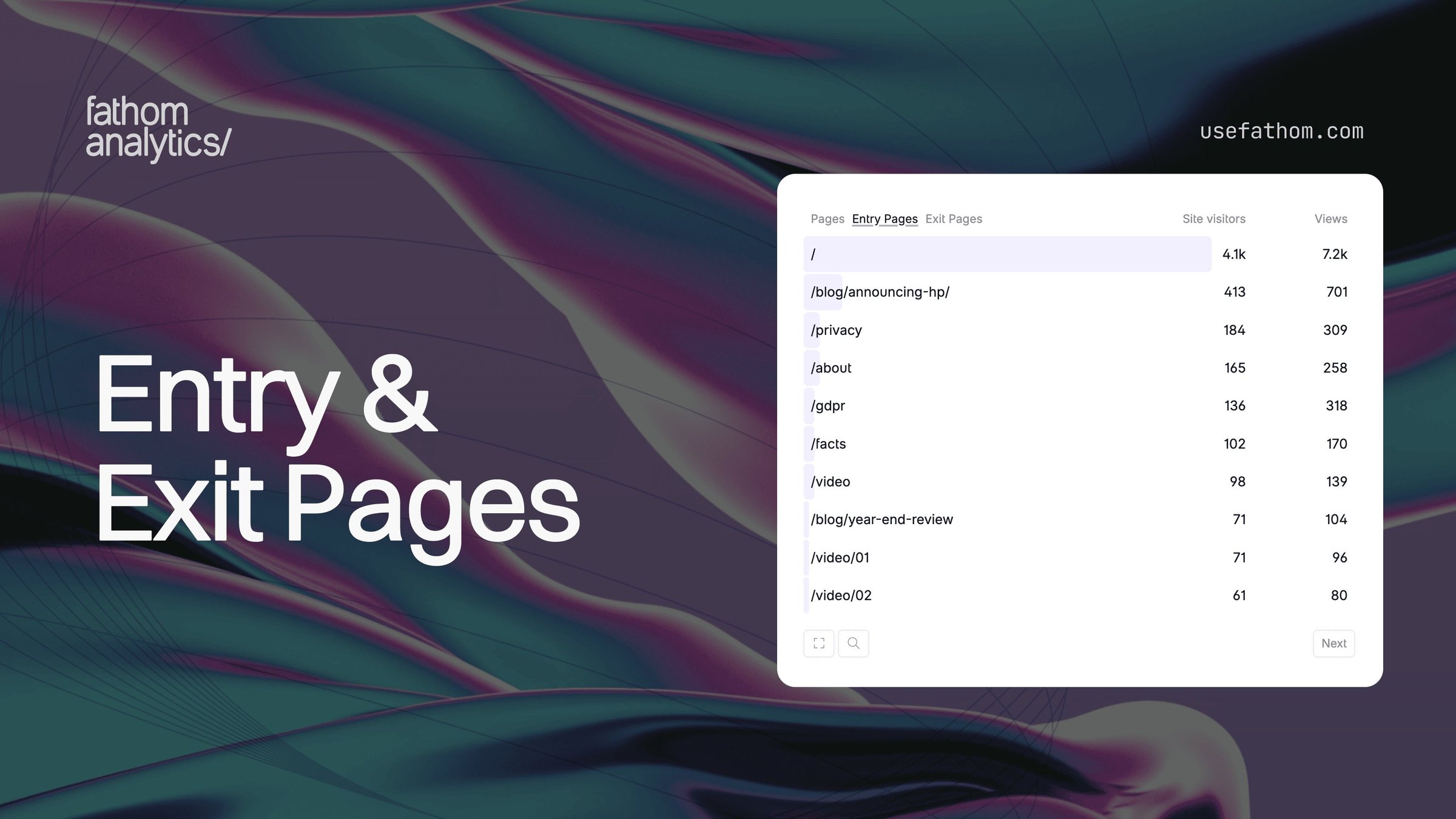
One of the most requested features we’ve had is the ability to see which pages visitors land on first and which pages they leave from. We’re happy to say that Entry Pages and Exit Pages are now on your dashboard!
Entry Pages show the first page a visitor sees when they arrive at your site. If someone clicks a link to your blog post from X.com, that blog post is their entry page. This tells you where your traffic is actually landing, which isn’t always your homepage. You might find that a handful of blog posts or landing pages are doing the heavy lifting for your site’s first impressions.
Exit Pages show the last page a visitor views before they leave. This helps you spot where people are dropping off. If your pricing page is a top exit page, that might be expected — people check the price and go think about it. But if a key step in your signup flow is a top exit page, that’s worth investigating.
You’ll find both as tabs in the Pages box on your dashboard. Each shows the page path along with site visitor and pageview counts, and you can click into the detail view for the full breakdown with bounce rate and average time on page. Clicking any row filters your entire dashboard by that entry or exit page, so you can see where those visitors came from, what devices they used, and everything else that is attributed to the entry or exit page you’re filtering by.
When you filter by an event, Entry and Exit Pages show how many conversions are attributed to each page. Importantly, the conversion doesn’t have to happen on the entry or exit page itself — if a visitor lands on your blog post and later completes a purchase on your checkout page, that conversion is attributed to the blog post as the entry page. This gives you a clear picture of which landing pages are actually driving conversions, even when the event fires deeper in the session.
And more good news is that this isn’t just for new data — Entry and Exit Pages work with your full history, so you can look back at any date range and see which pages were driving arrivals and drop-offs.
Entry and Exit Pages are also included in dashboard ZIP exports and work with all existing dashboard features — date comparisons, secondary dimensions, etc.
Mar 5, 2026